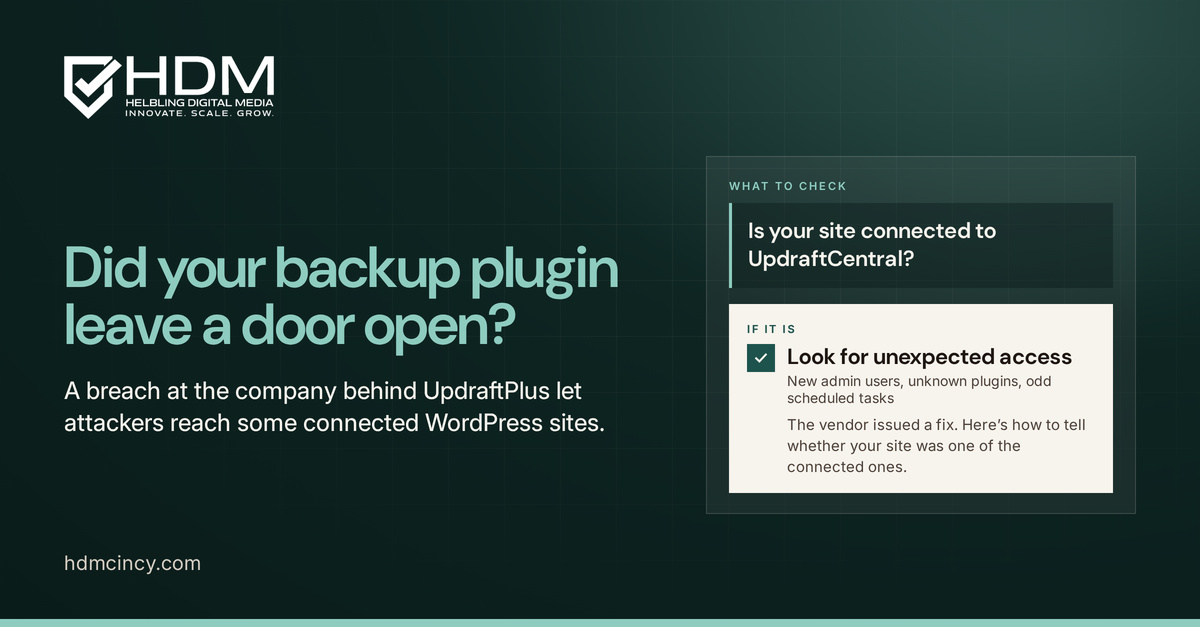
If your WordPress site makes its backups with UpdraftPlus, this one is worth ten minutes of your time. WordPress.org lists it as active on more than 3 million sites. The company behind it had a security breach this month, and attackers used what they took to plant backdoors on some of those sites.
Here's what happened and what to check, in plain English.
What happened
TeamUpdraft, the company that makes UpdraftPlus, says it found unauthorized access to its teamupdraft.com website over the weekend of October 17–18. It believes its customer database was accessed. That database holds names, email and billing addresses, order history, hashed passwords, two-factor settings, and the connection keys for its UpdraftCentral, UpdraftVault and UpdraftClone services. The company says it doesn't store card details.
The connection keys are what matter for your website. UpdraftCentral is a remote dashboard for managing a site's backups, updates and plugins. A site with an active key follows commands signed with that key.
Patchstack, a WordPress security company, reported that someone holding valid UpdraftCentral keys used them to install backdoor plugins on connected sites during an 18-hour window on October 18 and 19. The security firm Nethemba caught the attack on its own sites and published the first analysis.
Two details from Patchstack's write-up stand out:
- The backdoor creates a user that shows up as an Editor, not an Administrator, but with extra powers. A quick look at your admin list can miss it.
- That account stays behind even after the plugin is removed. And because the backdoor logs in by setting a cookie directly, it skips the login form, so two-factor and login limits never run.
Nethemba has since documented other versions, including one that creates a full administrator and one that hides itself from the WordPress plugin list.
"I've never used UpdraftCentral." You might still have a key.
Patchstack found that when you connect a TeamUpdraft.com account inside the plugin, a checkbox to add the site to UpdraftCentral is ticked by default. Leave it ticked and the site gets a key. Patchstack says it saw sites with active keys whose owners only ever used UpdraftPlus for backups.
TeamUpdraft's own October 21 update says the same thing: UpdraftPlus Premium users should check their sites "even if you've never used UpdraftCentral."
What's fixed, and what isn't
TeamUpdraft released UpdraftPlus 1.26.13 (free) and 2.26.13 (Premium) on October 19. According to the plugin's changelog, the fix revokes the UpdraftCentral Cloud keys created before the incident. TeamUpdraft says WordPress.org pushed the update out to all users. One catch: the automatic revoke only covers connections made before 1:07 p.m. UK time on October 18, so Nethemba advises deleting any later keys by hand.
Updating closes the door. It doesn't clean up anything that already came through it. As CSO Online reported, revoking the key doesn't remove rogue plugins, accounts or sessions created during the attack.
The good news: TeamUpdraft says the plugin itself and its downloads weren't affected, and backups stored in your own Google Drive, Dropbox or Amazon S3 weren't touched. If your site was accessed, though, it recommends re-authorizing that storage.
What to check on your site
You don't need to be technical for most of this. Log in to WordPress and:
- Check your UpdraftPlus version. Go to Plugins. You want 1.26.13 or later (free) or 2.26.13 or later (Premium).
- Delete any UpdraftCentral keys. Go to Settings > UpdraftPlus Backups > Advanced Tools > UpdraftCentral and delete every key listed. Your regular backups keep working. Patchstack and TeamUpdraft both say to do this.
- Look at every user, not just admins. Go to Users and look for anyone you don't recognize, Editors and Administrators alike. TeamUpdraft says it's seeing a pattern of unexpected Editor accounts.
- Look at your plugins. Check the full list, including the Must-Use tab if you see one, for anything you didn't install. Patchstack flags the description "Small maintenance toolkit: keeps option storage tidy." Some versions hide from this list, so a clean list isn't proof.
- Change your passwords. Change your teamupdraft.com password and your WordPress admin passwords. Change them anywhere you've reused them, too.
- If something's wrong, restore. If you find a strange account or plugin, TeamUpdraft suggests considering a restore from a backup taken before October 17. Patchstack says to treat the site as fully compromised if the backdoor account is there.
One more clue: Patchstack noted that the early backdoor plugins had a coding error that made affected sites throw server errors. If your site went down unexpectedly around October 18 or 19, take a closer look.
The bigger lesson
A backup plugin is supposed to be your safety net, but every plugin, even a trusted one, is also a door into your site. Keep the list short, keep everything updated, and know who and what has access.
If you're lost, we can help
If you read this and aren't sure whether your site even uses UpdraftPlus, or what you're looking at on the Users and Plugins screens, that's normal. HDM has been building and caring for websites out of Springboro, Ohio for 20 years. Send us a request and we'll check your site and tell you plainly what we find, or call us at (513) 668-7344.