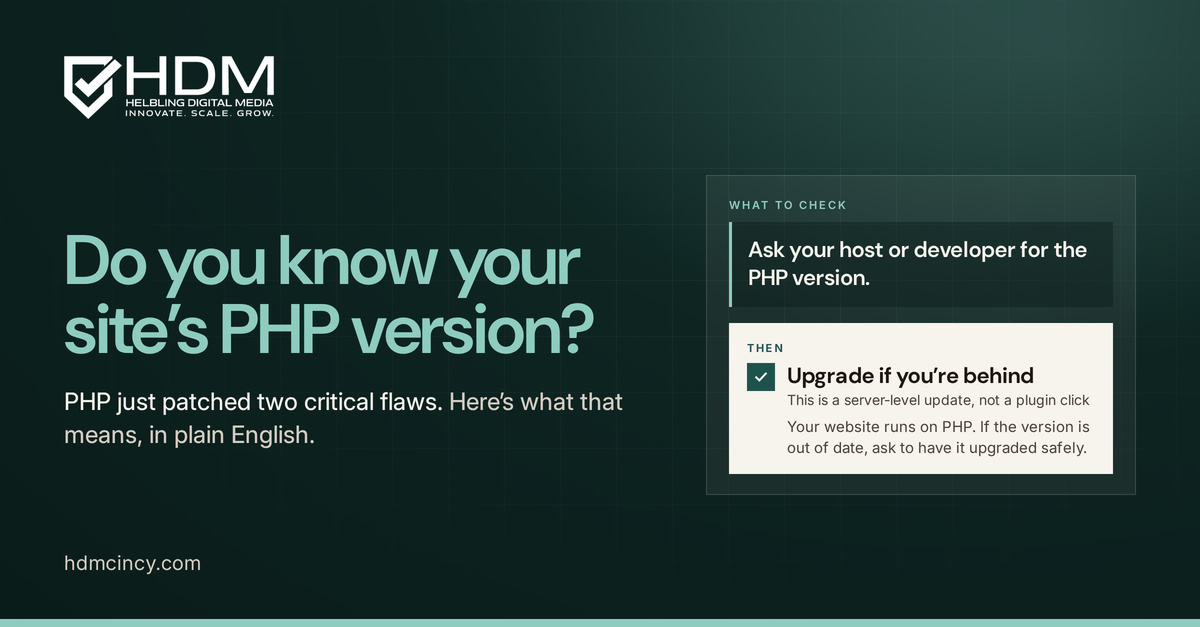
I've been building websites for 20 years, and one question keeps coming up from business owners: "What is PHP, and why is my host emailing me about it?" This week that question got a lot more urgent. Here's the plain-English version, and what to do about it.
What PHP actually does
Think of your website like a restaurant. The dining room is what visitors see: your pages, photos and buttons. PHP is the kitchen. When someone clicks a page, PHP takes the order, grabs what it needs from the pantry (your database), puts the page together and sends it out to the table.
WordPress is written in PHP. So are many other site builders, plugins and online stores. If your site runs on WordPress, PHP is doing the work every time someone visits.
Like any engine, PHP comes in versions. Each version gets updates for a set period, and then it stops.
What happened this week
On October 21, 2026, the PHP project released emergency security updates for two critical flaws, CVE-2026-109618 and CVE-2026-109619. Security researchers are calling them "PHP2Shell." According to the PHP project's announcement, both "can allow unauthenticated remote code execution." In plain English, an attacker could run their own code on a server without logging in.
Here's who's affected and what fixes it, per the official PHP advisory and CERT's vulnerability note:
- Affected: PHP versions before 8.2.35, 8.3.36, 8.4.27 and 8.5.12.
- Fixed in: PHP 8.2.35, 8.3.36, 8.4.27 and 8.5.12.
- PHP 8.1 and older: no official release. The PHP team published limited source backports for 7.4, 8.0 and 8.1, but its advice is to get fixes from a long-term support vendor or upgrade to a supported version.
The PHP project said "there are no complete mitigations, updating is the only safe choice." BleepingComputer reported that the flaws affect PHP installations that serve web requests across common server setups, and Tenable reported that Amazon Threat Intelligence saw an exploitation attempt on October 17, before the public disclosure.
So two things are true at once. Your server needs the patched PHP release, and if your site is still on an old version, no official patch is coming for it.
Which PHP versions are out of support
The PHP project publishes its schedule on its supported versions page. Each version gets about two years of active support, then a period of security-only fixes, and then nothing. As of October 2026:
- PHP 7.4 reached end of life on November 28, 2022.
- PHP 8.0 reached end of life on November 26, 2023.
- PHP 8.1 reached end of life on December 31, 2025.
- PHP 8.2 gets security fixes only until December 31, 2026.
- PHP 8.3 gets security fixes until December 31, 2027.
- PHP 8.4 and 8.5 are in active support.
The full list of retired versions is on php.net's unsupported branches page.
This week shows why that matters. Sites on 8.2 and newer got an official fix. Sites on 8.1 and older didn't. And 8.2 itself stops getting security fixes in about two months.
Why an old version is a real risk
When a version reaches end of life, the PHP team stops fixing security holes in it. New problems still get found. They just don't get patched for that version.
This week's flaws are the clearest example, but not the first. CVE-2024-4577 was a PHP flaw on certain Windows server setups, fixed in PHP 8.1.29, 8.2.20 and 8.3.8. The U.S. government's cybersecurity agency added it to its list of known exploited vulnerabilities on June 12, 2024.
WordPress says it plainly. Its requirements page recommends PHP 8.3 or greater and notes that older versions "have reached their official End Of Life and may expose your site to security vulnerabilities."
What runs on PHP
If you use any of these, PHP is under the hood:
- WordPress core. WordPress recommends PHP 8.3 or greater.
- WooCommerce. Its server requirements list PHP 8.3 or greater, tested up to PHP 8.4.
- Plugins and themes. Every WordPress plugin and theme is PHP code, and each has its own compatibility.
- Page builders. Elementor's requirements say it works with PHP 7.4 but recommend a newer version. Divi and other builders run on PHP too, so check each one's requirements.
- Drupal. Drupal's PHP requirements page says Drupal 10 requires at least PHP 8.1, and no supported Drupal version supports PHP 7.
- Joomla. Built on PHP. Check Joomla's technical requirements for your version.
- Magento / Adobe Commerce. Adobe's system requirements list the supported PHP versions for each release.
- Laravel and custom PHP apps. Custom portals and tools built on PHP need the same upgrade, and usually more testing.
- Hosting control panels. Panels like cPanel let you pick a PHP version per site. That setting is often where an old version hides.
Whichever of these you run, your server needs this week's patch.
"My host handles that." Maybe not all of it.
Most good hosts keep their servers patched, and many publish PHP guides, like WP Engine's PHP guide and SiteGround's guide to changing PHP versions. That's a big help. But there are a few things a host usually can't do for you:
- They patch the versions they support. If your site is on 8.1 or older, there's no official PHP release to install. Ask your host how they're handling this week's fixes for older versions.
- They can't always choose your version for you. On many hosts, the PHP version is a setting on your account. If it's set to an old version, it can stay there until someone changes it, or until the host moves you on its own schedule.
- They don't test your plugins and theme. The host runs the engine. They don't know whether your contact form plugin or your 2019 theme works on the new version.
- A forced upgrade can break things. If a host moves you to a newer version and something isn't compatible, you could find out from a customer.
So a patched server is good news. It just doesn't mean your site is done.
Plugins and themes are where things break
Your site is WordPress plus a theme plus a stack of plugins, often from different developers. Each one has to work with the PHP version you're running.
That's also where most of the risk lives. Patchstack's State of WordPress Security in 2025 report says that in 2024, 7,966 new vulnerabilities were found in the WordPress ecosystem, mostly in third-party plugins.
When you upgrade PHP, an older plugin that hasn't been updated can stop working. Sometimes that's a broken page. Sometimes it's quieter, like a form that stops sending or a checkout that fails. Developers call this a regression: something that worked before and doesn't now. WordPress keeps a PHP compatibility chart for WordPress itself, but your plugins and theme each have their own story.
Not sure which version you're on? Get your free PHP check. Send us a request and we'll take a look and tell you what we find. Or call (513) 668-7344.
Get your free PHP check
PHP just released fixes for two critical security flaws. Not sure which version your site runs, or whether it's safe to upgrade? Tell us a little about your site and we'll take a look. We'll follow up with what we find and what we'd recommend.
How to check your PHP version
You don't need to be technical for this:
- In WordPress: log in and go to Tools > Site Health, then open the Info tab and expand Server. Your PHP version is listed there. WordPress explains this screen in its Site Health documentation.
- In your hosting panel: most hosts show the PHP version in the account or site settings, often under PHP Manager or PHP Settings. If you can't find it, ask your host's support team.
Look at the full number. If it's 8.2 below 8.2.35, 8.3 below 8.3.36, 8.4 below 8.4.27 or 8.5 below 8.5.12, ask your host when the patch is going on. If it starts with 7, 8.0 or 8.1, it's time to upgrade. If it's 8.2, plan to move up before the end of the year.
What a safe upgrade looks like
Here's the process we follow. You can use it whether you do it yourself or have someone help.
- Audit. List your WordPress version, theme and every plugin. Update what you can, and look for plugins that haven't been updated in a long time. Those are the usual troublemakers.
- Back up. Make a full backup of your files and database, and make sure you know how to restore it.
- Staging. Make a copy of your site (many hosts offer one-click staging), switch that copy to the new PHP version and test it there first.
- Production. Once staging looks good, switch the live site. Pick a quiet time of day.
- QA. Click through the site afterward. Submit your forms, test checkout or booking if you have it, and check the pages that bring in business. Keep an eye on things for a few days.
The goal is simple: nothing changes for your visitors except that your site is safer.
If you're lost, we can help
None of this is something you should have to think about every day. But this week it's worth an hour of attention, before an attacker or a forced upgrade makes the decision for you.
If you checked and aren't sure what you're looking at, or you'd rather have someone handle it, we're here. HDM has been building and caring for websites out of Springboro, Ohio for 20 years. Get your free PHP check and send us a request, or call us at (513) 668-7344. We'll look at your setup and tell you plainly what we'd recommend.
Would you rather stop managing PHP altogether? We can rebuild your current site on modern technology with no server-side PHP to patch. Send a request below or call (513) 668-7344.
Get your free PHP check
PHP just released fixes for two critical security flaws. Not sure which version your site runs, or whether it's safe to upgrade? Tell us a little about your site and we'll take a look. We'll follow up with what we find and what we'd recommend.