
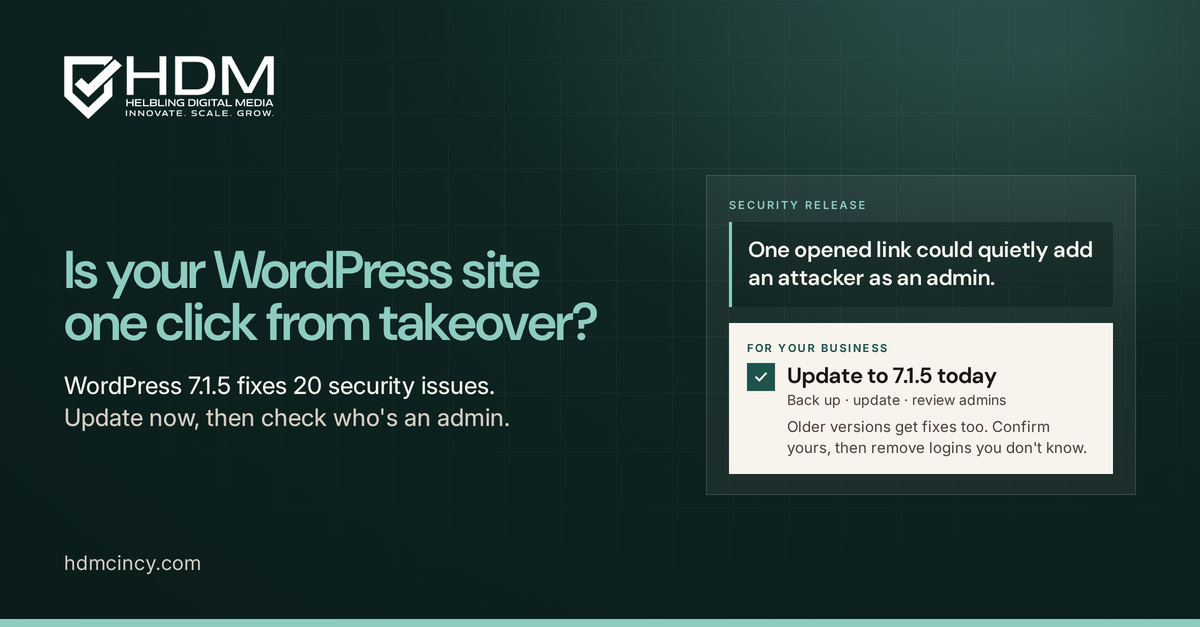
If your website runs on WordPress, there's an update waiting for you this week, and it's one you shouldn't put off. One of the problems it fixes could let a stranger make themselves an administrator on your site. All it takes is for someone who manages your site to open the wrong link while logged in.
What happened
On Wednesday, WordPress released version 7.1.5, a security release that fixes 20 issues, and asked everyone to update immediately. Security firm Patchstack counts 18 of those as real vulnerabilities and two as hardening changes. This comes just three weeks after the 7.1.4 security release, which we wrote about in October.
WordPress runs 38.5% of all websites, so this one touches a lot of small and mid-size businesses.
The one that matters most
WordPress rates the worst issue as high severity. It lives in the Template Part block, a piece of the site editor. According to WordPress's own security advisory, an attacker with no account at all could send an administrator a specially crafted editor link, or redirect them to one. When the administrator opens it, it could create a new administrator account for the attacker. From there, the attacker could upload a plugin and run their own code on your site.
In plain terms: one click by the wrong person at the wrong time, and someone else could own your website.
A few other fixes also need no login to trigger, according to Patchstack's breakdown:
- A comment trick that could plant harmful code on pages using the Latest Comments block.
- A way to slow down or knock a site offline by flooding an old feature called XML-RPC pingbacks.
- A leak that could expose private categories or tags through the site's built-in data feed.
The rest mostly need someone to already have an account, such as a contributor, author or editor.
The good news
As of Thursday, there were no reports of anyone using these flaws in real attacks, and none of them were on the federal government's list of actively exploited vulnerabilities.
That can change fast. After the last release, attackers went after one of its flaws within days, and the government added it to that list on November 3. Once a fix is public, the people who want to abuse it can study it too.
It's also worth noting that two of these 20 issues were reported by an AI company. As we wrote on Wednesday, AI is helping find old bugs faster, so security updates are going to keep coming. The answer is a steady routine, not panic.
What this means for your business
Your website is often the first place customers meet you and the place your leads and payments come through. An attacker with admin access can redirect visitors, steal form submissions, add spam pages that hurt your Google rankings or lock you out of your own site. Cleaning that up costs far more than an update.
What to do now
- Check your version. Log in and go to Dashboard, then Updates. You want 7.1.5. If your site is on an older branch, WordPress released fixed versions such as 7.0.9 and 6.9.12, going back to 4.7.
- Don't assume it updated itself. WordPress says sites with automatic background updates will start the update on their own, but plenty of hosts and setups turn that off. Look, don't guess.
- Back up first, then update. Make sure you have a recent backup you know you can restore. If you skipped 7.1.4, take a minute to read our 7.1.4 post before you update.
- Be careful with links until you're updated. Ask anyone with admin access not to open site editor links they weren't expecting.
- Review who has access. After updating, look at your list of administrators and installed plugins. Remove anything you don't recognize, and remove old author or editor accounts nobody uses anymore.
- Plan for the next one. WordPress 7.2 is planned for December 8. Updates are a normal part of owning a website now, so put them on a schedule.
If you're lost, we can help
If you're not sure what version your site is on, who has admin access or whether your backups actually work, that's normal. Most business owners have better things to do. HDM has been building and caring for websites out of Springboro, Ohio for 20 years. We'll check your site, apply the update safely and tell you plainly what we find. Learn about our website security services, send us a request or call us at (513) 668-7344.