AI companies send crawlers to read websites. Some of that reading helps you show up in AI answers. Some of it just feeds model training. Here's how to tell them apart and decide what to allow.
Short answer: Usually no. GPTBot collects content for OpenAI model training, while OAI-SearchBot is what lets ChatGPT search find and link to your pages. Most businesses that want to show up in AI answers allow OAI-SearchBot, decide separately on GPTBot, and use firewall rules for bots that ignore robots.txt.
Which AI crawlers visit my website?
In Cloudflare's data, OpenAI's GPTBot went from 2.2% to 7.7% of AI and search crawler traffic between May 2024 and May 2025, with its requests up 305% (Cloudflare). Googlebot was still the biggest crawler, at 50%. GPTBot was also the bot most often blocked in robots.txt files among the top sites Cloudflare checked.
Crawls vs. referrals
Search engines crawl your pages and send visitors back. AI platforms crawl far more than they send. For June 19–26, 2025, Cloudflare measured Anthropic's platform making nearly 71,000 HTML page requests for every referral, though it notes native-app traffic isn't counted, which may overstate the ratio (Cloudflare). Ratios varied widely by platform.
What's the difference between GPTBot and OAI-SearchBot?
OpenAI runs separate crawlers with independent settings (OpenAI):
- GPTBot crawls content that may be used to train OpenAI's models. Disallowing it signals you don't want your content used for training.
- OAI-SearchBot is used to show sites in ChatGPT search. Sites that block it won't appear in ChatGPT search answers.
- ChatGPT-User visits pages when a person asks ChatGPT to. OpenAI says robots.txt rules may not apply to it because it's user-initiated.
So "block AI" isn't one switch. You can block GPTBot and still allow OAI-SearchBot. If showing up in AI answers matters to you, see our AI visibility services.
Our staging-site story
A common case: GPTBot finds an open staging copy of a store and gets stuck in product filters, where every combination of options creates a new URL, thousands of near-duplicate pages. The fix is to lock staging behind authentication and fence off filter URLs.
Lesson: your AI crawler policy needs to cover every copy of your site, not just the live one.
What should my robots.txt allow?
A sensible starting point for most local businesses (your call, bot by bot):
- Allow search crawlers: Googlebot, Bingbot, OAI-SearchBot.
- Decide on training bots such as GPTBot and ClaudeBot. Block if you'd rather your content not train models, allow if you're comfortable with it.
- Block everything on staging and test sites.
- Fence off filter, search and cart URLs that create endless pages.
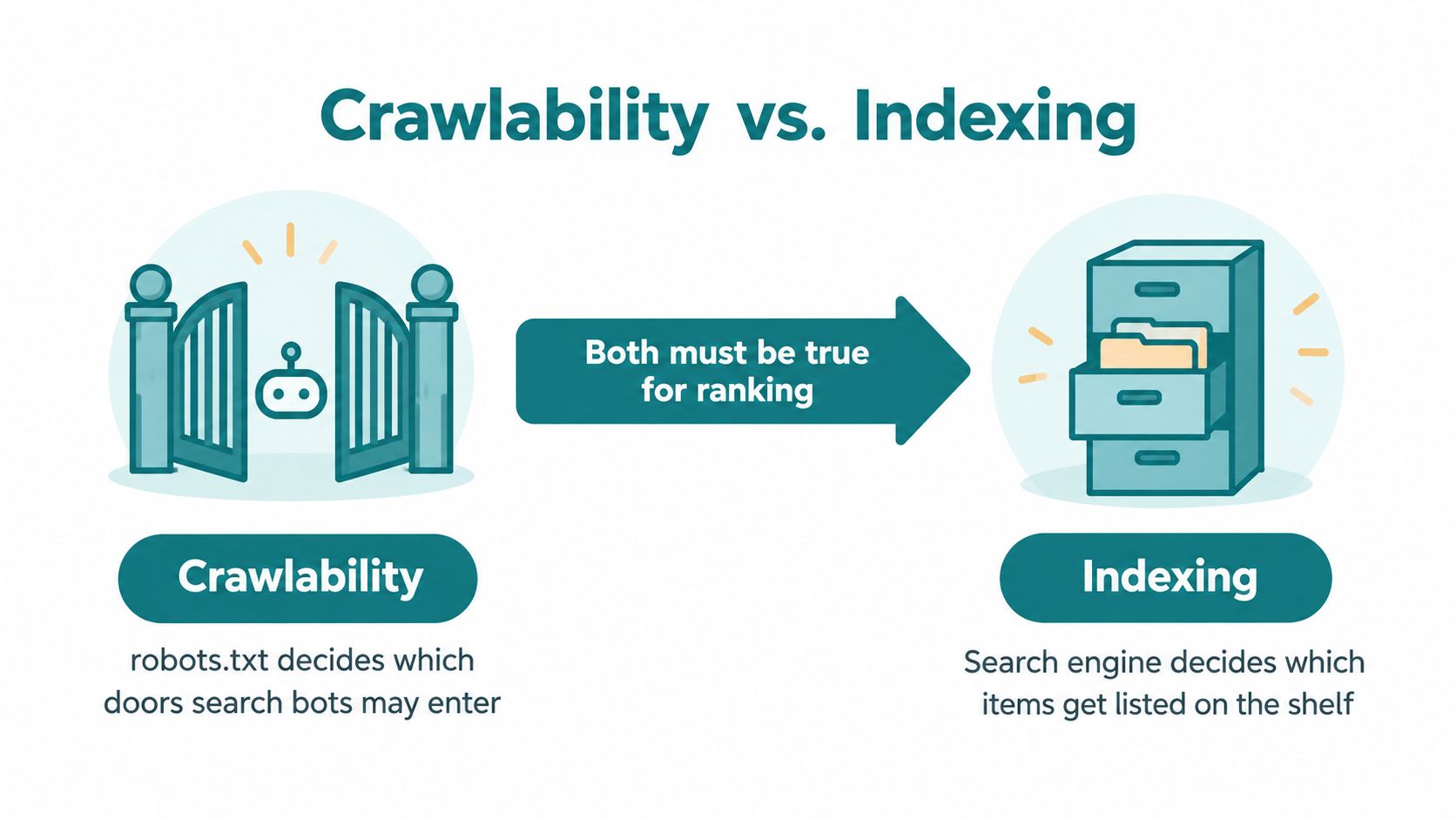
- Enforce it. robots.txt is an honor system. Cloudflare offers a managed robots.txt and a one-click AI-bot block on all plans (Cloudflare docs), plus firewall rules for bots that ignore the file.
- Review it every few months as new bots appear.
Sample robots.txt (adjust to your policy):
User-agent: GPTBot
Disallow: /

User-agent: OAI-SearchBot
Allow: /

User-agent: *
Disallow: /cart
Disallow: /*?filter=
Want bad bots out of your reports and forms too? See bot traffic filtering and clean analytics.
Not sure what's crawling your site? Book a bot audit and we'll show you, then set a policy that fits. See website security plans or call (513) 668-7344.
Frequently asked questions
- Will blocking GPTBot remove me from ChatGPT?
- Not by itself. ChatGPT search uses OAI-SearchBot, which is a separate setting.
- Does robots.txt actually stop bots?
- Only the ones that choose to follow it. Use firewall rules for the rest.
- How fast do changes take effect?
- OpenAI says search results can take about 24 hours to adjust after a robots.txt update.