

You search for your own business and a competitor's listing shows hours, price, or star ratings while yours is a plain blue link. Your page may already contain that same information, but Google has to guess what each line means. That's the gap schema markup closes, and it's also where expectations need care.
When you're learning how to use schema markup for SEO, start with this honest limit. Markup can make a page eligible for a richer search appearance. It doesn't guarantee Google will show one, and it doesn't move you up the rankings by itself. Treat it as clear labeling you test and maintain, not a one-time install you can forget.
Match Schema Types to Each Page
Schema markup is a label written in code that tells Google what visible content on a page means. It can clarify that a string of numbers is the phone number for your business, a dollar amount is the price of a specific product, or a name is the author of a blog post. The label doesn't replace the words visitors read. It explains them in a form search systems can use consistently.
I would map your site before writing any code. The table below covers the page types most Cincinnati service businesses, retailers, clinics, and law firms already have. Read each row left to right. Start with what the page is for, pick the matching Schema.org type, fill in the properties visitors can already see, then note the search feature that type can support.
| Page type | Schema.org type | Key properties to include | Rich result it can support |
|---|---|---|---|
| Homepage or About page | Organization | name, url, logo, sameAs, contactPoint | None on its own; helps Google understand the brand |
| Contact or service-area page | LocalBusiness or a subtype such as Plumber | name, address, telephone, openingHours, areaServed | Local business details |
| Blog post or news article | Article or BlogPosting | headline, image, datePublished, dateModified, author | Article rich results, such as carousels |
| Product page | Product with Offer | name, image, offers (price, priceCurrency, availability), aggregateRating | Product snippet with price and availability |
| Event page | Event | name, startDate, location, offers | Event listing details |
| Recipe page | Recipe | name, image, ingredients, cookTime | Recipe rich results |
| How-to guide | HowTo | name, step, totalTime | No longer shown as a rich result; verify current Google documentation |
| FAQ section | FAQPage | question, acceptedAnswer | Limited; check current Google documentation for eligibility |
The last column needs a caution. Google's supported rich results change over time, so check current documentation before you promise yourself or a partner a particular display. That caution also protects you from a common mistake in semantic markup, where the HTML labels on the page and the structured data tell slightly different stories. This HTML5 and schema markup guide is useful background when you want both layers to agree.
Pick Specific Types and Honest Properties
Use the most specific type that fits the page. A plumbing company in Blue Ash shouldn't stop at LocalBusiness if Plumber describes the location page accurately. A dental practice in Mason can use Dentist. A general blog post fits BlogPosting better than a generic WebPage label.
Specificity never justifies inventing content. Don't add Event to a page with no dated event, price fields to a consultation page with no published price, or ratings that visitors can't read. If the information isn't visible, leave it out or publish the information first and then mark it up.
Practical rule: Choose the most specific type that matches what the page shows, and never add a type for content visitors cannot see.
Businesses with several locations need extra discipline because each address, phone number, and set of hours must match its own page. Copying one location block across the site creates contradictions fast. Our guide to a multi-location SEO setup fits that planning work when you're organizing pages by market.
Before you move on, list the three pages that matter most to revenue. For many owners that's the main service page that drives calls, the location or contact page that confirms where you serve customers, and the top product or article that already earns traffic. Those three pages give you a manageable starting set and a clear reason for every field you're about to add.
How to Add JSON-LD to Your Pages
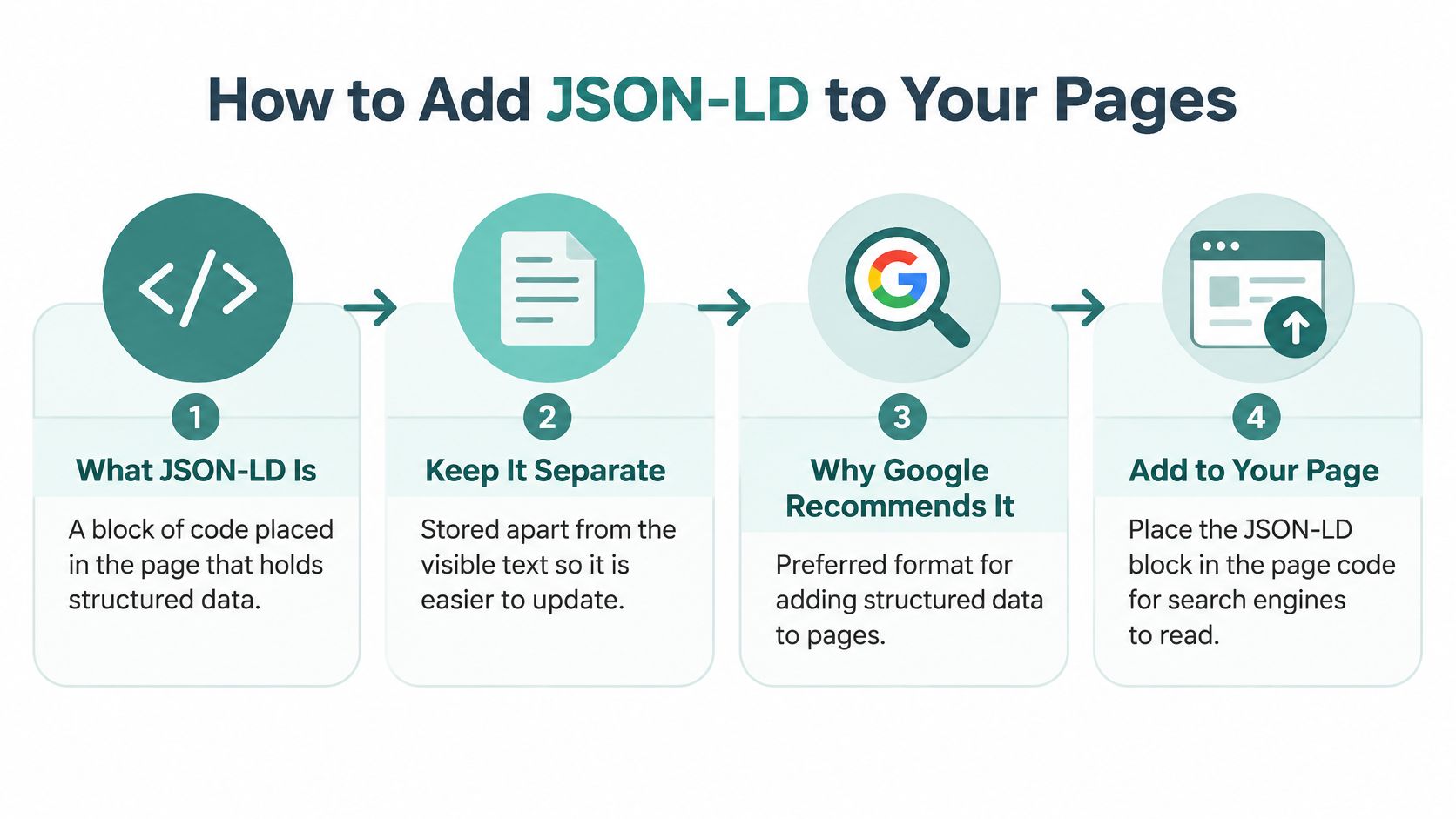
JSON-LD is a block of code placed in your page that holds the structured data separately from the visible text. You can update the block without rebuilding headings, paragraphs, or product layouts around it. That separation makes routine edits safer, especially when your team changes copy often.
Google recommends JSON-LD as the preferred format, although Microdata and RDFa are also supported, and the Schema.org documentation supplies the vocabulary for types such as Organization, LocalBusiness, Article, Product, and FAQPage. Schema.org tells you what a term means. Google decides which combinations can produce an enhanced feature in its results.
The workflow below keeps that distinction visible.
Follow the Five Step Routine
- Pick one page and its type. Choose the page from your shortlist and select one primary type from the mapping table. This prevents a service page from collecting unrelated labels just because the code can hold them.
- Open the script block correctly. Use a script tag with type application/ld+json, set @context to https://schema.org, and set @type to your chosen type. A typo in either opening field can make the whole block unreadable.
- Add required properties from the visible page. Copy the business name, street address, phone number, headline, date, or product details exactly as visitors see them. The common slip is a phone number in the markup that differs from the number in your footer or contact section.
- Add recommended properties that apply. Useful additions may include logo, image, opening hours, author, or social profile links. Don't add a review count that was never published, a price you don't display, or credentials the page doesn't state.
- Place the block on the page it describes. Paste it into the page head or body through your website builder, theme, or content system, then save and publish. Never put all your markup on a separate data-only page and expect Google to pair it with the content.
If writing the block by hand feels slow, a schema markup generator tool can create a starting draft. Treat generated code as a draft, not finished work. You still need to delete fields that don't apply and compare every value against the page.
What a Finished Local Block Looks Like
Say a Cincinnati plumbing company's contact page visibly lists Queen City Plumbing, 123 Main Street, Cincinnati, OH 45202, and a phone number ending in 0100. A finished LocalBusiness block would identify the type as Plumber, give that exact name, place the street address, city, state, and ZIP inside PostalAddress, and repeat the same phone number visitors see. It might also add openingHours and areaServed if the page publishes its hours and service communities.
Before pasting anything, compare each field with the page line by line. A phone number or address that differs from the footer is one of the most common reasons validators, visitors, and search results disagree. Check spelling too. Simplified street abbreviations in code and fully written names on the page may describe the same place, but matching the published version removes doubt.
A block is ready to test when three conditions are met. It uses one clear primary type, every claim appears in visible text, and the values match the page exactly. Helbling Digital Media can use that same discipline when planning markup for a service-area business, healthcare organization, law firm, or e-commerce site, because the review standard stays simple. If a stranger can't find a value on the page, it doesn't belong in the markup.
Test Your Markup Before and After Launch
Testing isn't one button. Google's process has two distinct validation stages. The Google guidance on testing structured data points you to the Rich Results Test first, then Search Console's URL Inspection tool after the page is live. Run them in that order so syntax problems are caught before you start wondering whether Google has crawled the change.
Before either test, confirm the page is crawlable. It must not be blocked by robots.txt, marked noindex, hidden behind a login, or missing from your sitemap. A perfect block on an inaccessible page can't support a rich result.
Run the Prelaunch and Live Checks
Paste the code or test URL into the Rich Results Test before publishing. Fix critical errors first because they block eligibility for the supported feature. Then review warnings, which usually mean a recommended property is missing and the eventual result would be less complete.
After publishing, open URL Inspection in Search Console and test the live URL. This check shows how Google accesses the deployed page, which matters when a plugin, security tool, or template change alters what the crawler receives. Passing a draft test doesn't prove the public page contains the same block.
| Finding | What it means | What to do |
|---|---|---|
| Critical error | Blocks rich result eligibility | Fix before publishing, such as a date in an unsupported format |
| Warning | A recommended property is missing; the result is less complete | Add the property if it applies to the visible page |
| Date in an unaccepted format | Validator rejects the value | Rewrite it in ISO 8601 format, such as 2026-05-14 |
Two fixes come up often. A price entered with a currency symbol and commas may need to become a plain number, with the currency carried separately in priceCurrency. A date written as May 14, 2026 may need the machine-readable form in the table, while visitors keep seeing the friendly date.
For a business with several locations, test one page per template, then one page per location. Record the URL, test date, errors, warnings, and fix owner in a shared spreadsheet. That log becomes especially useful during redesigns, and a broader website migration checklist can help you keep schema checks from getting lost among redirects and template changes.
A generic Schema.org pass confirms vocabulary. It doesn't by itself prove eligibility for a Google search enhancement.
That's why a wider technical SEO audit checklist should include the Google-specific test for every page you care about most. Fix blockers, add applicable recommended fields, publish, then inspect the live result.
Measure Results and Keep Markup Accurate
A rich result is never guaranteed, so measurement starts with a modest question. Did the marked pages earn better search engagement than comparable pages without markup. Pick four to six marked-up pages and four to six similar unmarked pages, then compare impressions and clicks over eight to twelve weeks.
This workspace view shows the comparison you should build in Search Console rather than judging schema from a single search you run yourself.

Build a Fair Before and After Comparison
Match pages by job, not just traffic. Compare service pages with service pages, products with products, and articles with articles. Note seasonality too. A Cincinnati heating contractor's January pages and cooling pages in July won't provide a clean comparison because demand changes with the weather.
Record a baseline before launch where you can. Then note the publishing date, any title or copy edits, advertising changes, and site releases during the test window. If you rewrite the page and add markup on the same day, you can't credit the markup alone for later movement.
Look at search appearance alongside clicks and impressions in Search Console. A page can become eligible without being shown an enhancement every time. It can also earn more clicks because users understand the listing faster, even when its position barely moves.
I would not expand markup across hundreds of pages after one encouraging week. Give the comparison time, check that errors haven't appeared, and confirm the pages still say what the markup says. A small, clean test tells you more than a sitewide rollout nobody can interpret.
Run a Monthly Maintenance Check
Put the review on the first Monday of each month. Open the Search Console rich-result reports, log valid and invalid item counts, note any template, CMS, or plugin release, and retest two representative URLs. This routine takes little time on a small site and catches breakage before it spreads.
- Log valid and invalid counts: Record the numbers by markup type so a sudden change is visible next month.
- Check recent releases: Ask whether a developer, plugin, or theme update removed a field the markup relied on.
- Retest representative URLs: Rotate through a service, location, product, and article template rather than checking the homepage every time.
- Update the page inventory: Add new marked pages, retire removed pages, and assign an owner for fixes.
A drop in valid items after a site update usually points to a template change. A missing enhancement in one search doesn't always mean broken markup. Separate those signals before editing. If the test still passes and Search Console shows valid items, Google may have chosen a different presentation for that query.
The short walkthrough below is a useful refresher before your monthly review, especially if a staff member other than your developer owns the checklist.
<iframe src="https://www.youtube.com/embed/9sKA4OwiqDg" width="100%" height="400" frameborder="0" allowfullscreen></iframe>Keep Facts Synchronized With the Page
Accuracy is the ongoing cost. Markup must describe only what visitors can see, and it must change when the underlying facts change. Google's Article structured data documentation says required properties vary by rich-result type, recommended properties should be added when they apply, and Article has no universally required properties. It also advises adding every relevant recommended Article property and fixing critical validation errors.
That synchronization has real business consequences beyond search display. A clinic that continues marking up a provider who has left can send patients toward the wrong care team. A law firm showing a departed attorney creates trust and compliance problems. A store displaying last month's sale price or an unavailable product invites angry calls and refunds.
Keep a simple inventory for control. List every marked-up page, its schema type, business purpose, owner, and last validation date. Store the JSON-LD in a shared document for a very small site or in version control when developers manage templates. The goal is traceability. When someone asks why a location page includes a field, you should be able to find the answer quickly.
Product sites need the tightest update rhythm. Price, availability, shipping claims, and return details change faster than a company history page. When the store system feeds those fields automatically, test the feed and representative pages together. Manual markup on a changing catalog will drift.
Know When a Feature Changes or Disappears
Google can reduce or retire enhanced features, including examples such as course information and estimated salary. When that happens, don't chase a vanished display with increasingly strained markup. Keep accurate business facts where a valid type still describes the page, remove expectations tied to that result, and update your inventory.
Durable entity modeling beats feature chasing. Your correct name, address, authorship, product identity, and service area remain useful context even when one presentation changes. Thin markup created only to chase a temporary display has little value when the display goes away.
Use these signals to decide what deserves action.
- Invalid items rise after a release: Inspect the template change first and retest affected URLs.
- Valid items hold but clicks fall: Look at query demand, page copy, competition, and search appearance before rewriting code.
- A business fact changes: Update visible content and markup together, then validate the live page.
- Google retires a feature: Keep accurate page modeling, but stop forecasting traffic from that enhancement.
- Marked pages outperform similar pages: Extend the same pattern gradually, one template at a time.
The governing rule stays practical. Complete, accurate markup on a few key pages beats thin markup on every page. Maintenance isn't overhead around the strategy. It is the strategy.
Start With Your Three Most Important Pages
A plumber in Mason gets most of his calls from one emergency repair page. A boutique in Hyde Park sells through one category leader. For most small businesses, three URLs carry the load: a main service page, a location or contact page, and a top product or article. Find yours in Search Console or your call tracking before you touch any code.
Use the same short routine on all three.
- Add the markup. Pick one specific type, copy facts exactly from the visible page, and include recommended properties that apply.
- Validate before publishing. Run each block through the Rich Results Test, fix critical errors, then use URL Inspection on the live page.
- Review after four weeks. Check Search Console for valid items, invalid items, search appearance, impressions, and clicks.
- Extend carefully. Apply the routine to the next template only after the first three pages stay accurate through normal content edits.
The order matters. Three pages give you a small enough sample to see whether your markup earns a display and whether that display earns clicks. Scaling to fifty templates before you have that answer multiplies your unknowns.
Decide What You Can Handle Yourself
A small site on a simple website builder can often support a basic Organization or LocalBusiness block with built-in settings or a carefully pasted script. You still need access to the page output and time to test it. If you're comfortable comparing values and using Search Console, that may be enough for the first three pages.
Multi-location businesses, e-commerce sites, and owners without template access usually need outside help. Product feeds, location templates, author records, and plugin conflicts can multiply one small error across dozens of URLs. A broader plan for e-commerce SEO governance is a sensible companion when catalog data changes daily.
Helbling Digital Media is a full-service digital agency based in Springboro, Ohio, serving clients across the Greater Cincinnati area and beyond, and prospective clients can request a proposal. HDM also offers a free AI visibility check that looks at whether a business is the answer when customers ask ChatGPT, Google AI Overviews, Perplexity, or Gemini who to hire. Neither option changes the basic test for your own site: your markup still has to describe real, visible, current information, and publishing it still does not guarantee a rich result.
Open your page list and mark the first three URLs you'll label, test, and monitor.
If your key service, location, and product pages need accurate schema that stays tested after launch, Helbling Digital Media can help you plan the markup, validate representative templates, and build a maintenance routine around the results.